What You’ll Need#
3 pieces of gear:
- Ubuntu 24.04 LTS: (fresh install recommended)
- RTL-SDR dongle: (any 1090 MHz capable)
- Dump1090: (free open-source ADS-B decoder)
Downloading and Installing Dump1090#
Dump1090 is an open source decoder designed for RTLSDR devices.
You can download it from the terminal with the command
git clone https://github.com/antirez/dump1090.gitRead the README File to have a good understanding of what dump1090 can do.
Once that’s done,
cd dump1090
ls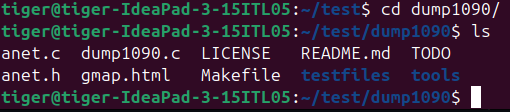
You will notice that it doesn’t have the executable, so you will have to install some dependencies and then execute the “make” command.
sudo apt update
sudo apt install -y pkg-config librtlsdr-dev libusb-1.0-0-dev build-essential
make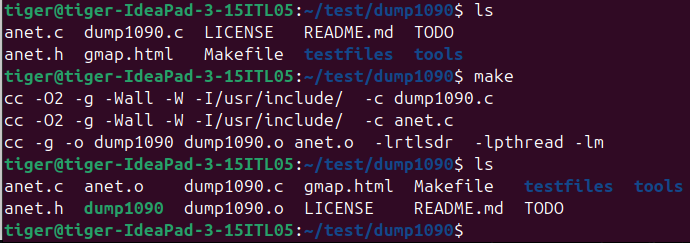
Now, you can see the executable is there.
Running dump1090#
Let’s plug in our SDR and run dump1090 in interactive mode with a map we can access on http://localhost:8080
./dump1090 --interactive --net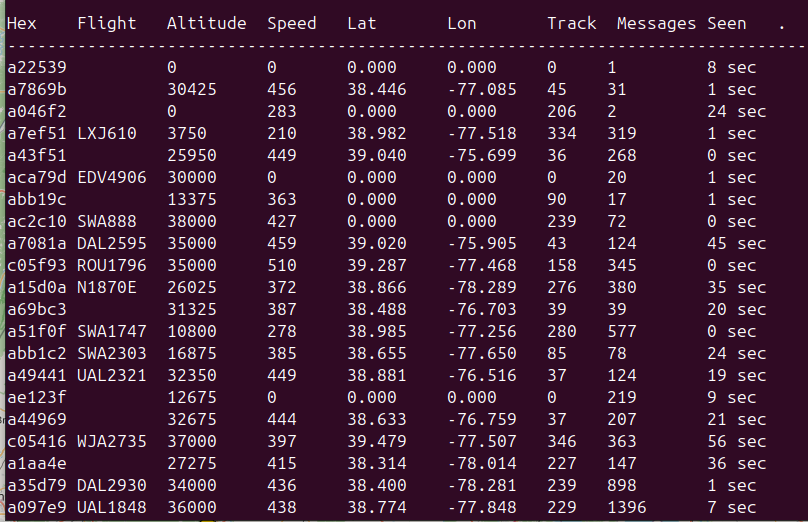
We can see the airplanes data, like flight, hex, altitude, speed, Latitude, Longitude, Track, Messages and Seen.
Tracking a Specific Airplane (SWA1747)#
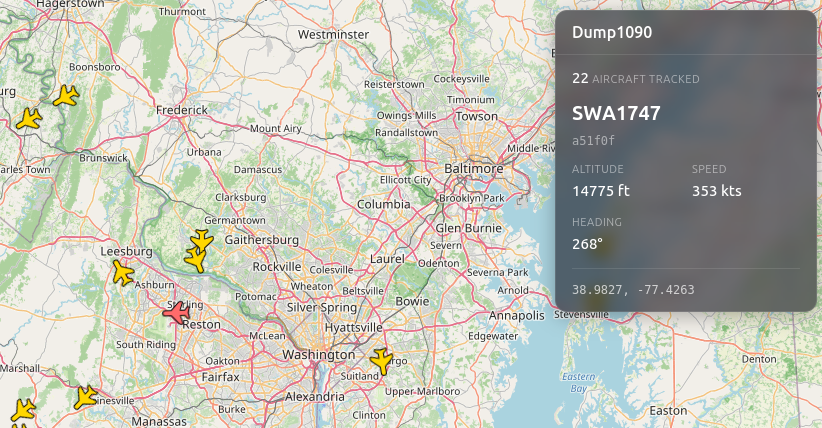
Let’s look at SWA1747, which is a Southwest Aircraft, for example.
Hex: a51f0f => Unique Aircraft Identifier/Name tag (like a license plate)
Flight: SWA1747
Altitude: 10,800 ft
Speed: 278 kt => 278 knots (1 kt = 1.15 mph)
Lat: 38.985
Lon: -77.256
Track: 280 degrees => shows aircraft direction/where it's going
Messages: 577
Seen: 0 sec => means the aircraft is actively transmitting and dump1090, our decoder,  is keeping up in real time.
We have received 577 Messages (Packets), which means dump1090 is decoding this aircraft pretty well.
The aircraft is currently at a relatively low altitude (10,800 ft) compared to typical airline traffic altitude (30,000 - 40,000 ft) , which suggests it could possibly be arriving/descending.
Track is expressed in degrees:
- 0° = flying north
- 90° = flying east
- 180° = flying south
- 270° = flying west
Another way of explaining this:
0°-89°  = North/Northeast → toward top-right of the compass
90°-179° = East/Southeast → toward bottom-right
180°-269° = South/Southwest → toward bottom-left
270°-359° = West/Northwest → toward top-left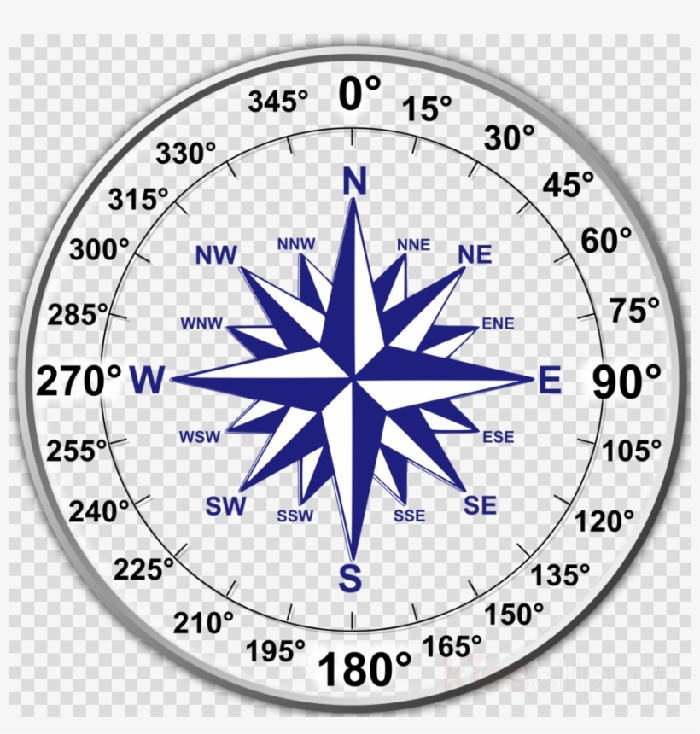
In our case, with a Track of 280 degrees, it indicates that the aircraft is moving West-NorthWest.
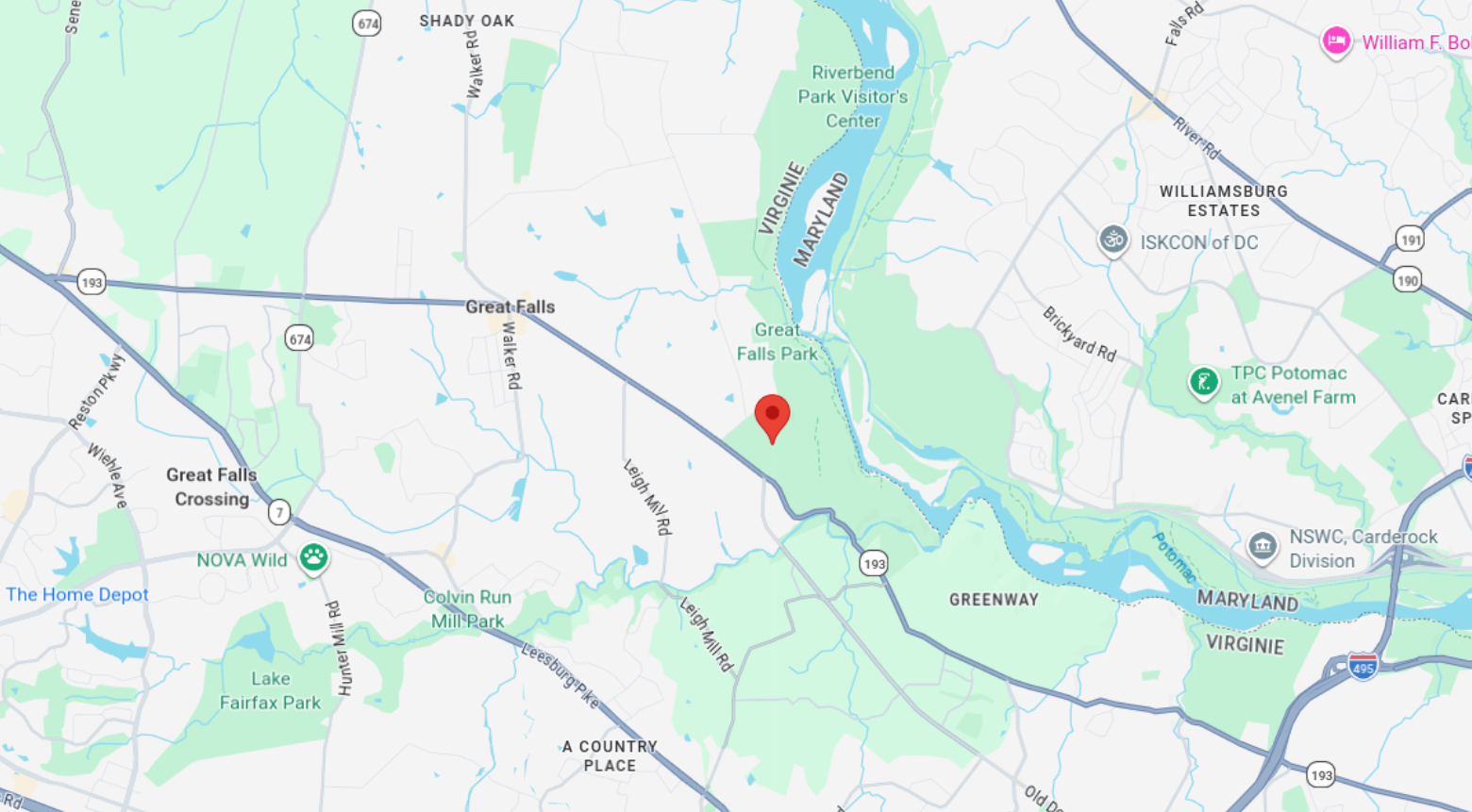
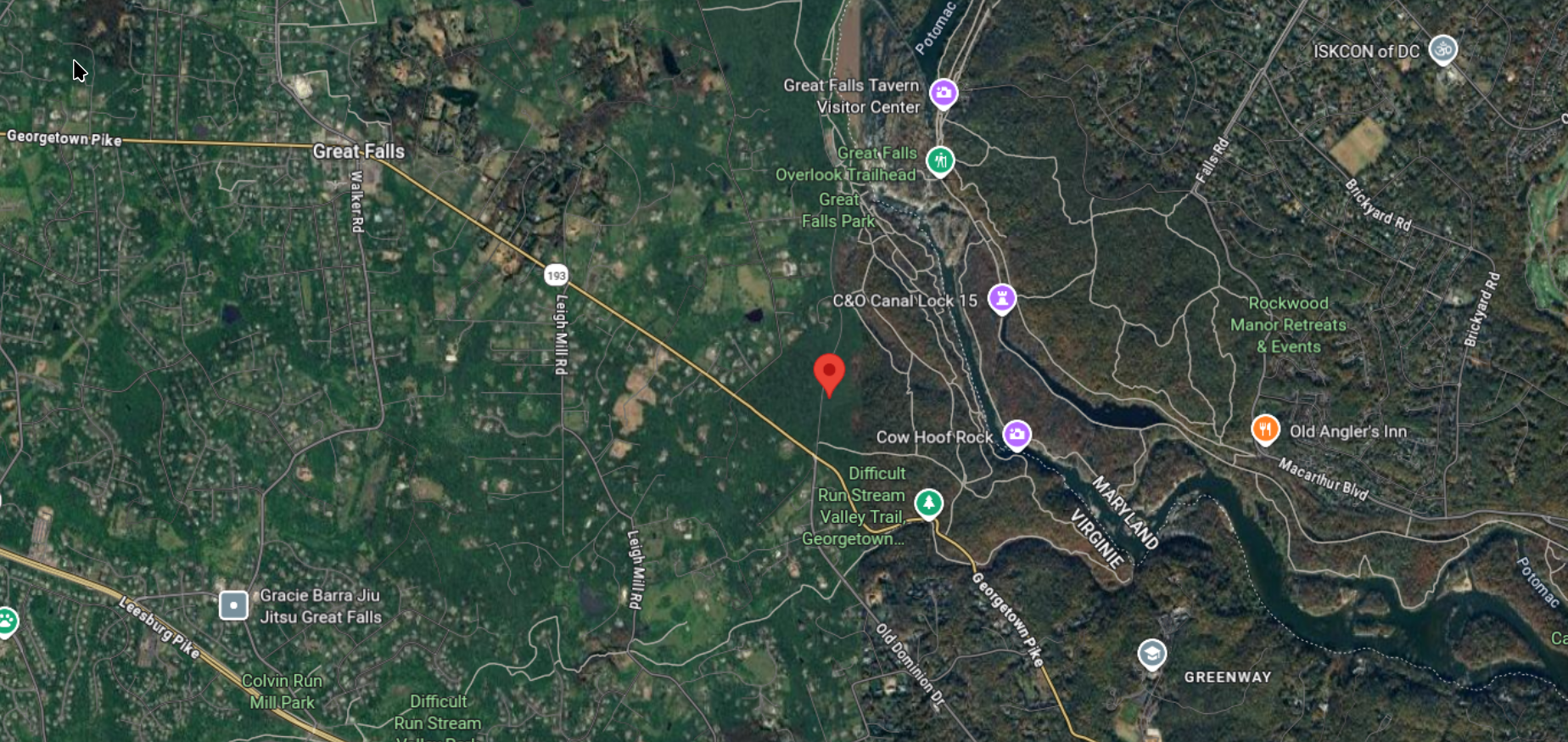
Putting the Lat/Lon in Google Maps , we can see that with a latitude of 38.985 and longitude of -77.256, SWA1747 was flying near Great Falls Park, Virginia.
On the Interactive Map#
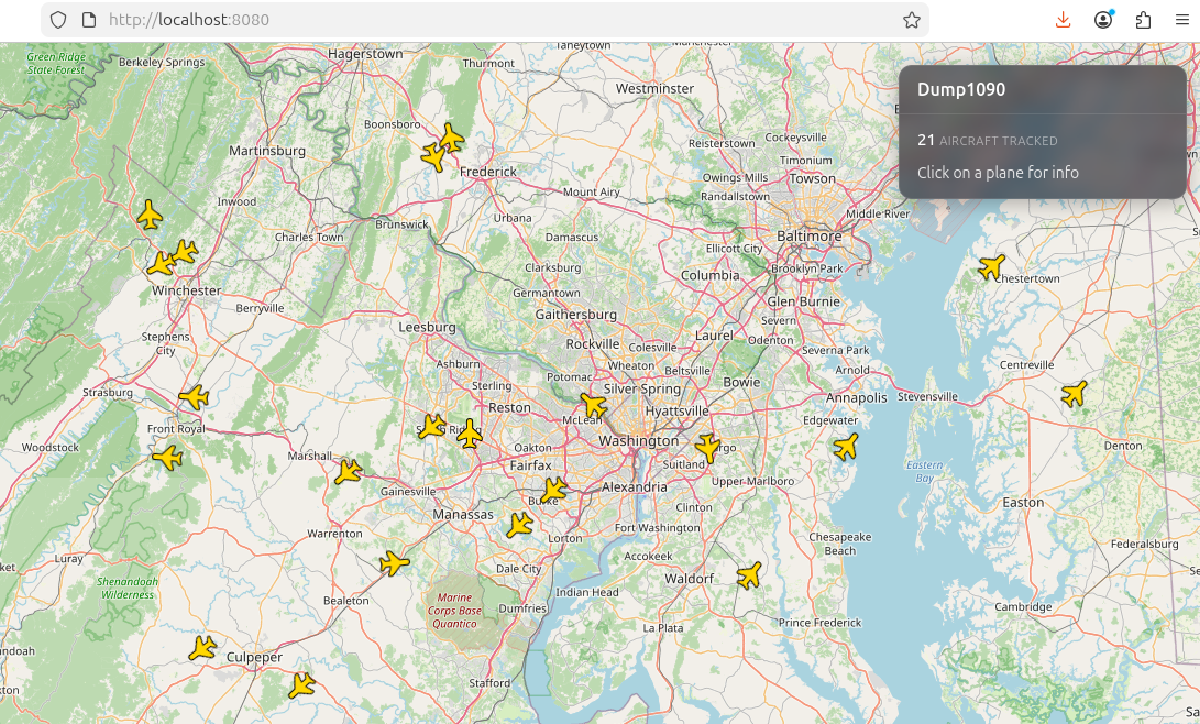
Port 8080 gives you a live map at http://localhost:8080, watch planes move in real-time! :)
Now, if we open http://localhost:8080 in our browser, we will have a map with all the planes icons and positioning.
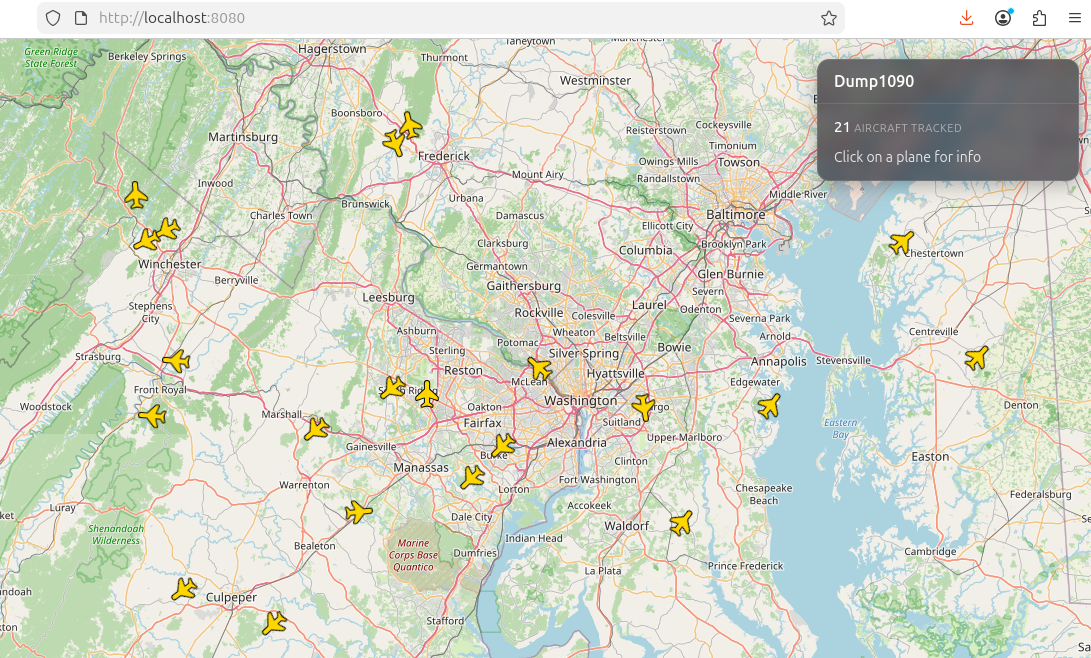
If for some reasons port 8080 is not working or is being used by another service or app, We can change our port like this
./dump1090 --interactive --net --net-http-port 1234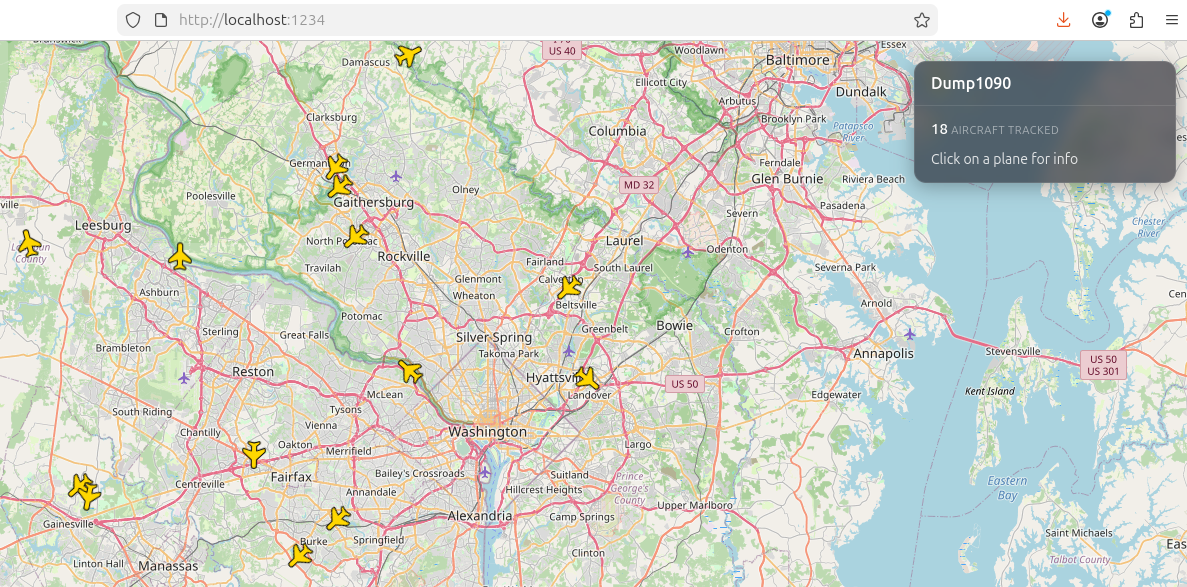
This is an interactive map, which means the icons move in real time, and the number of airplanes detected will change in real time as well.
You can click and drag to move around the map, and you can zoom in and out too. It’s fun to play around with it and get used to it
If we select/click on a plane, we can have some more information on it. Like this:
Conclusion#
Tracking airplanes with SDR is quite fun and a good way to gather real-time intelligence data.
By decoding live ADS-B transmissions, you capture unencrypted details like aircraft identities, positions, and flight paths that can be paired with OSINT techniques, cross-referencing hex codes with FAA registries, flight tracking sites, or news reports, to build comprehensive profiles on specific planes.
This lets you pinpoint exactly where a particular aircraft is at any given moment, revealing patterns in executive travel, cargo movements, or even rare government flights, legally, of course, and with just a cheap SDR and Opensource tool.
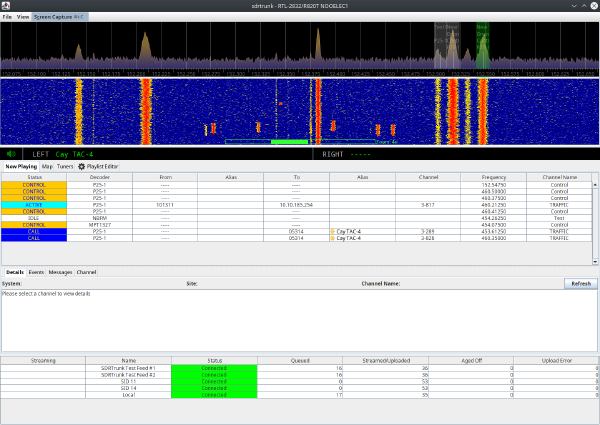
Want to push your SDR further? P25 Scanner using SDRTrunk walks through decoding live trunked radio communications from public safety agencies using the same hardware.